Your audiobooks and podcasts. Every word searchable.
Audiobooks and podcasts in one library. Search what was said and jump straight to it. Skip the ads.

Free, with no subscription.
Explore transcript search →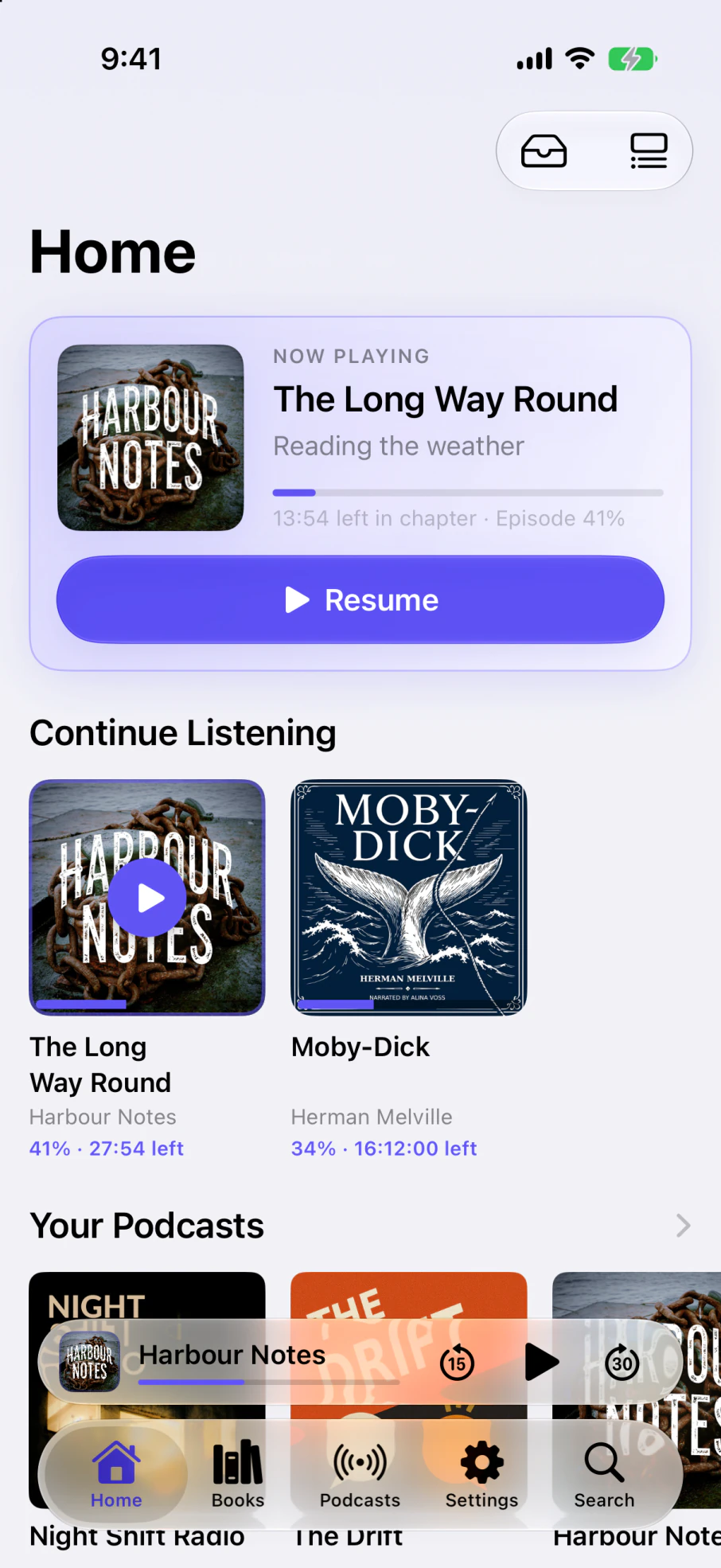
Library
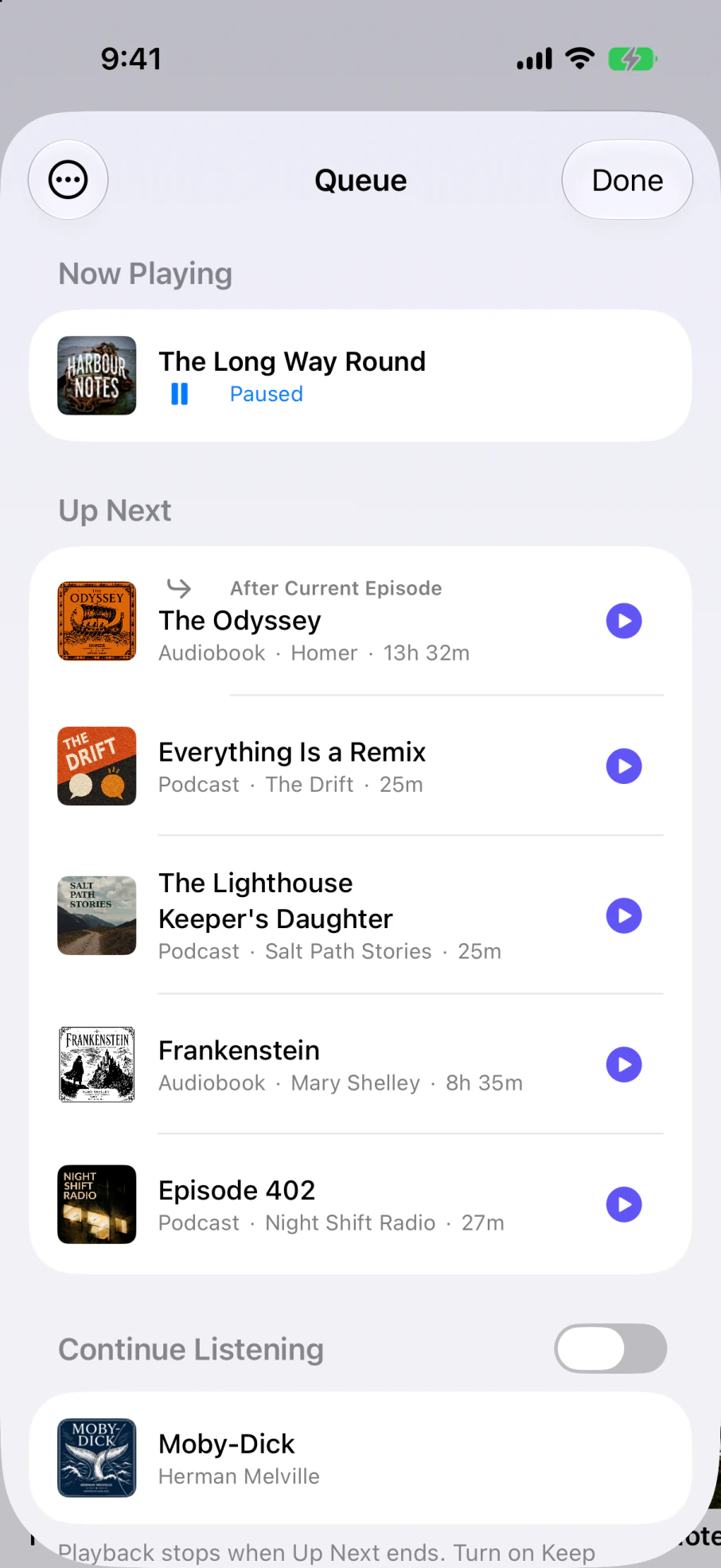
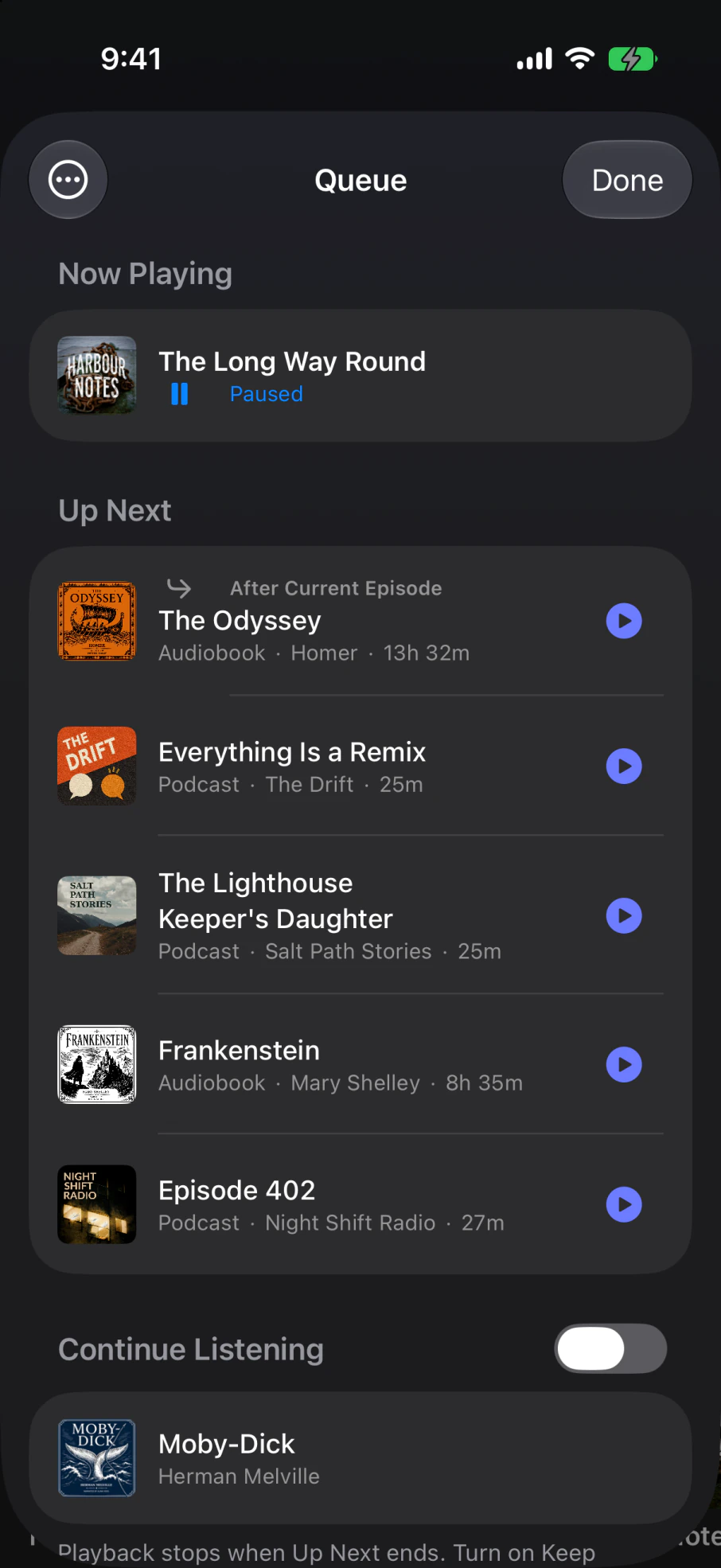
One library, one queue.
Queue a podcast episode after an audiobook chapter and Yarnplayer moves straight from one to the other.
Bring in audiobook files you already own, a Plex server, an Audiobookshelf server, or any podcast feed. Connect Plex and Audiobookshelf both and a book that lives on each appears once, not twice.
Deep search
Every word, searchable.
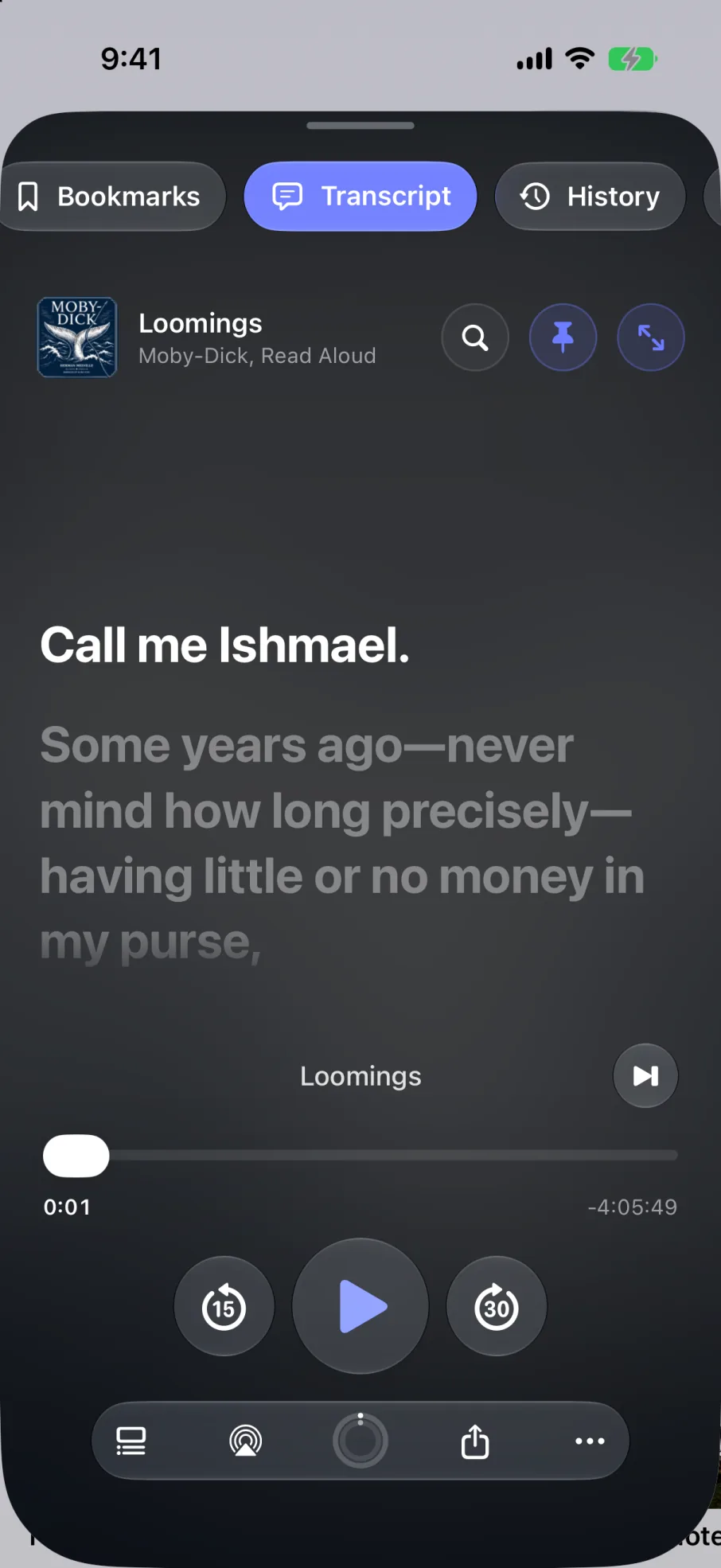
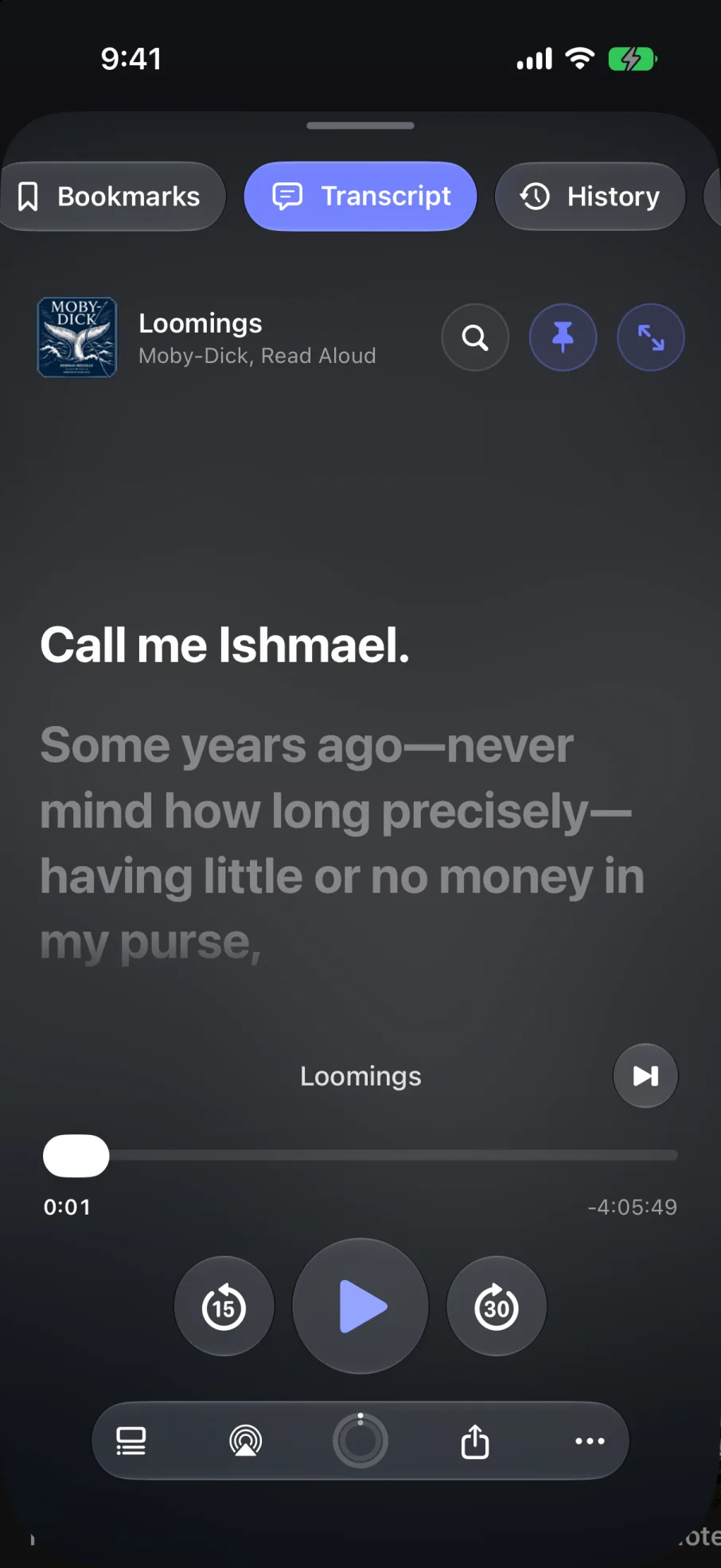
Type in a line you want to find again and Yarnplayer takes you to the moment it was spoken. It searches your audiobooks, your episodes, your bookmarks, chapter titles and show notes all at once.
To search something, Yarnplayer needs a transcript. There are three ways to get one:
- Already thereOfficial transcripts. Many podcasts publish one. Yarnplayer picks those up on its own, so there is nothing to do and they are searchable straight away.
- SharedReady without the wait. Generated podcast transcripts are added to Yarnplayer's shared transcript database, so listeners with the same download can use one without transcribing the episode again.
- On deviceMade on your iPhone. If there is no match, Yarnplayer transcribes it locally. This also works for your own audiobook files.
Ad scan & ad skip
Finds the ads. Skips them. Leaves the rest alone.
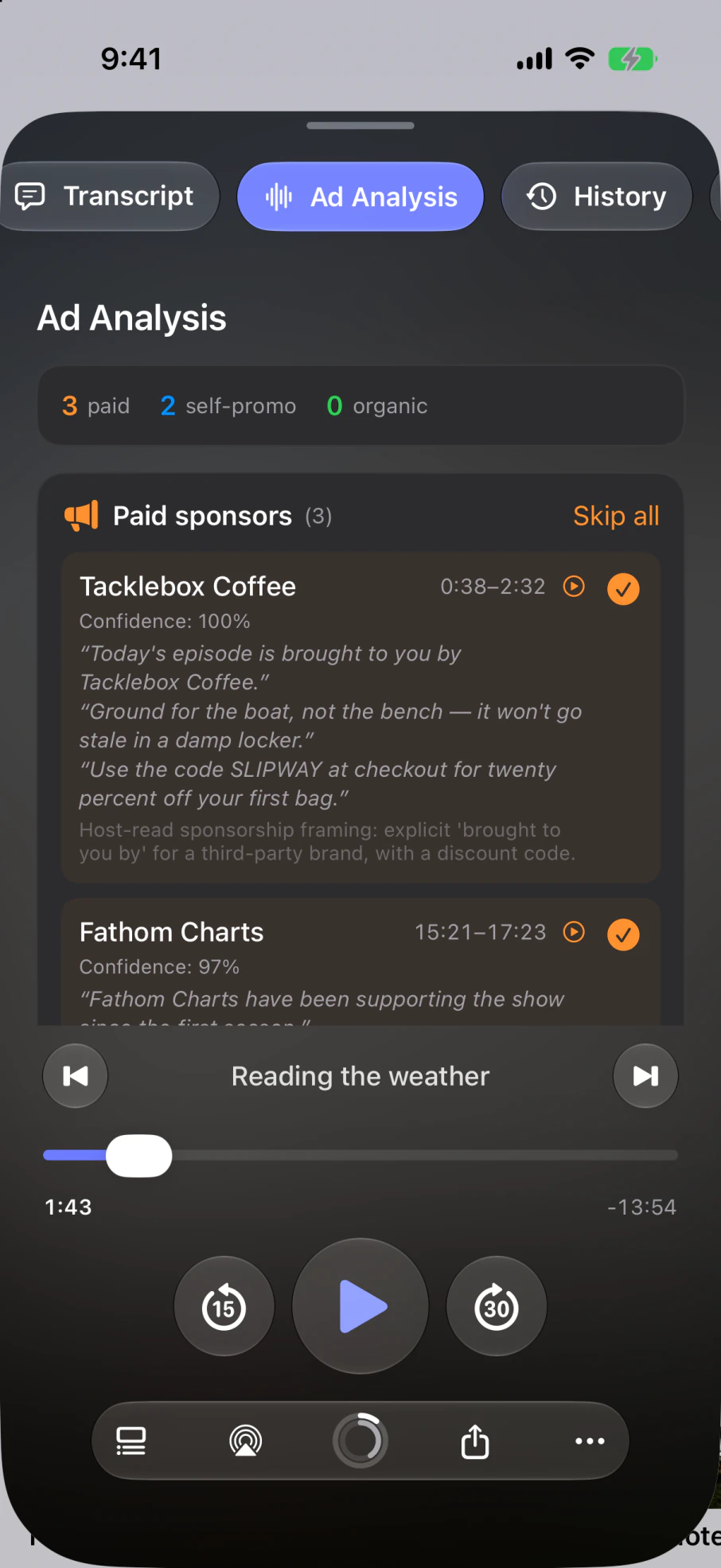
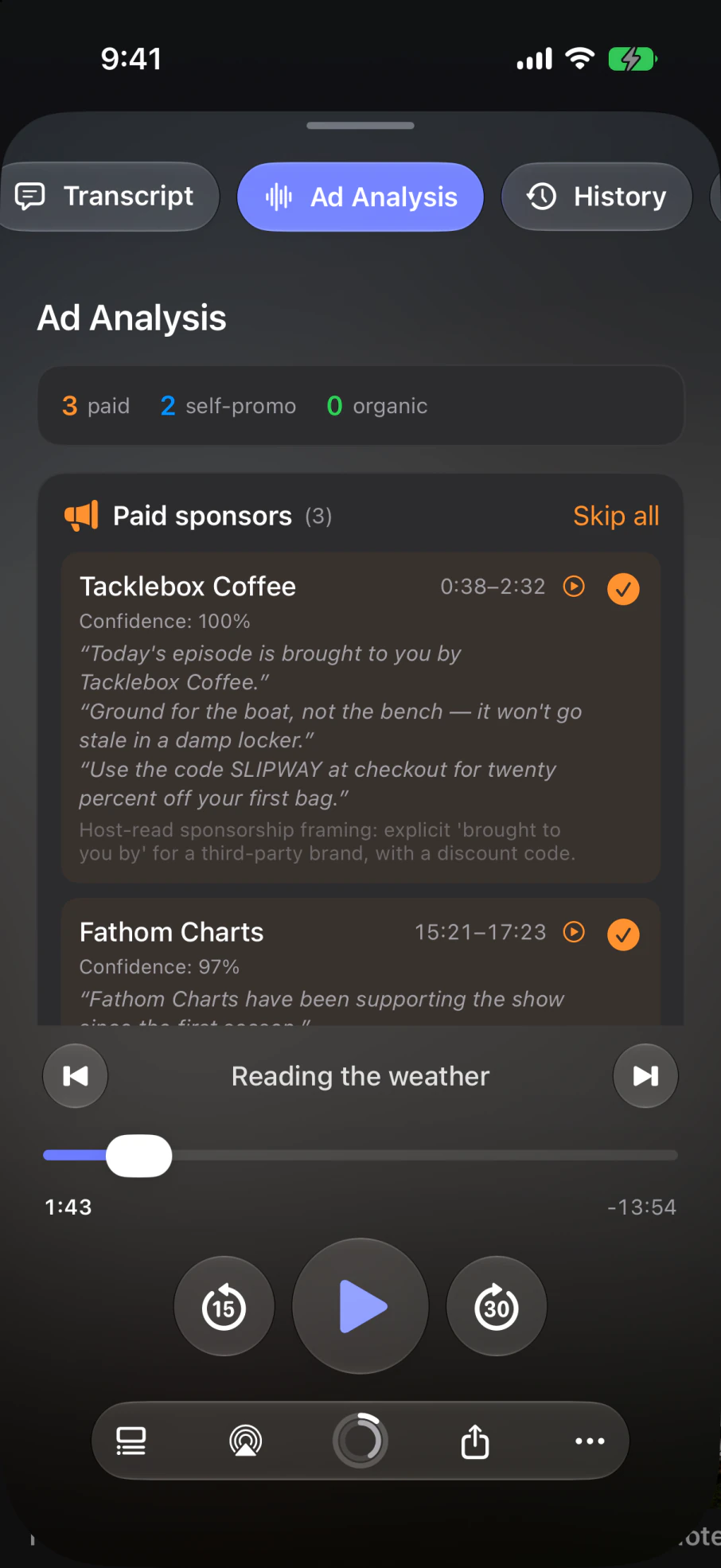
Yarnplayer can analyse transcripts for ad segments: the sponsor reads, and the show's own plugs for its merch or membership. Yarnplayer tells them apart, and shows you the exact words it based that on.
Ad detection runs through Apple's private, secure processing. Nothing is stored, and nothing is used to train anything.
Clips
Share the bit that got you.
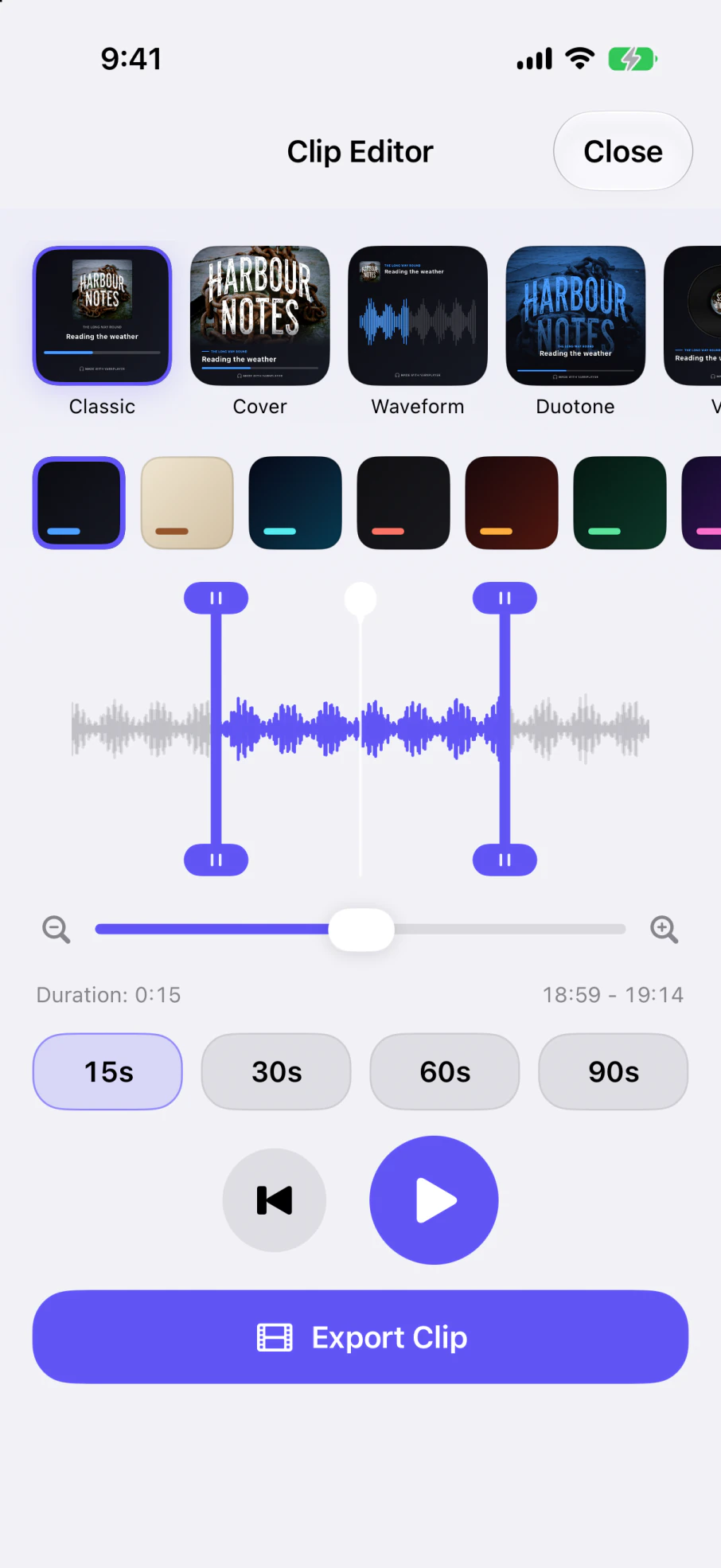
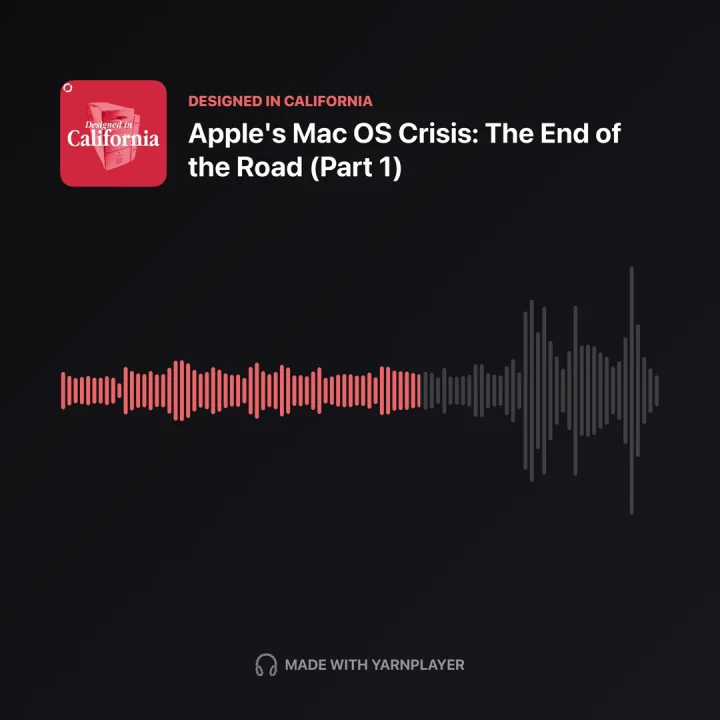
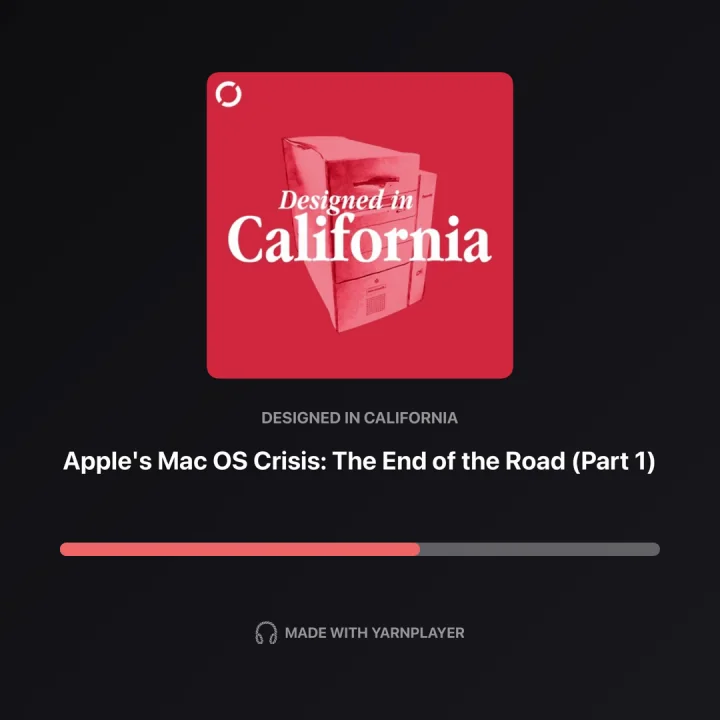
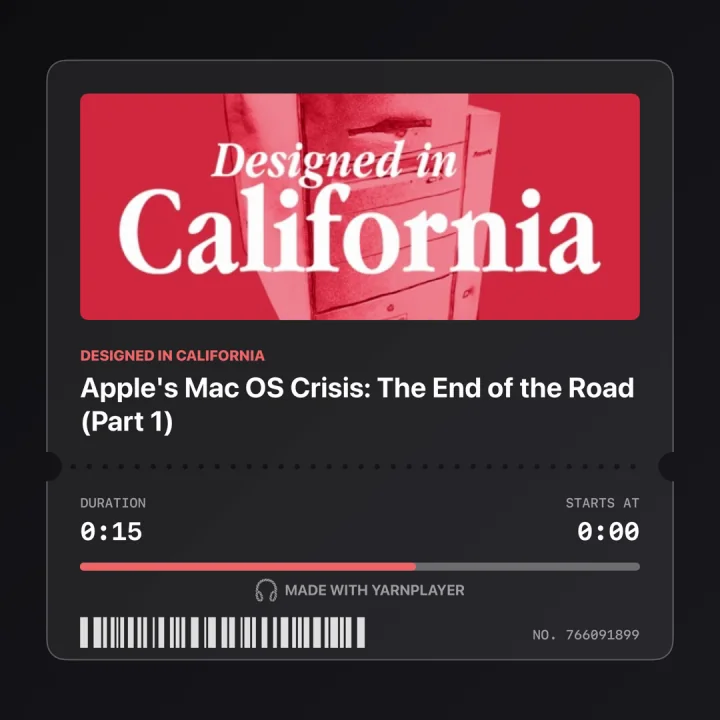
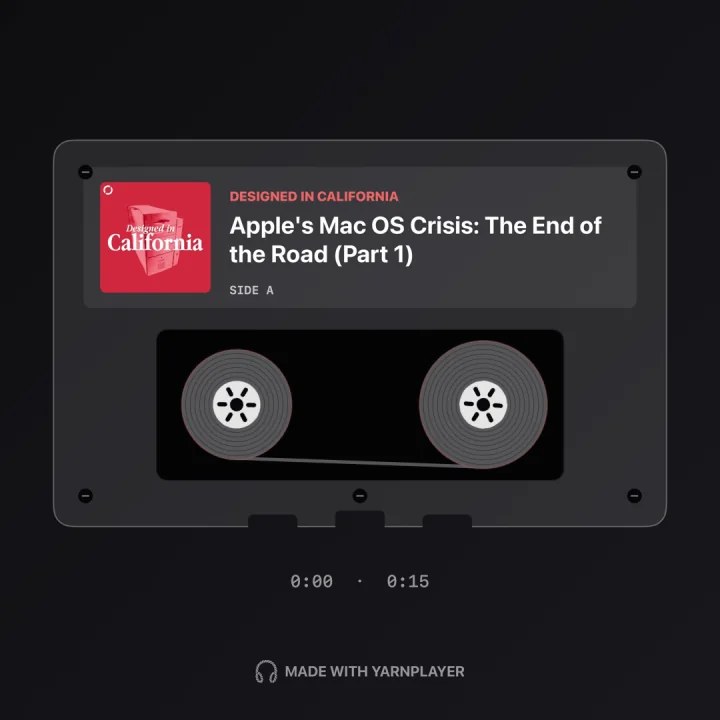
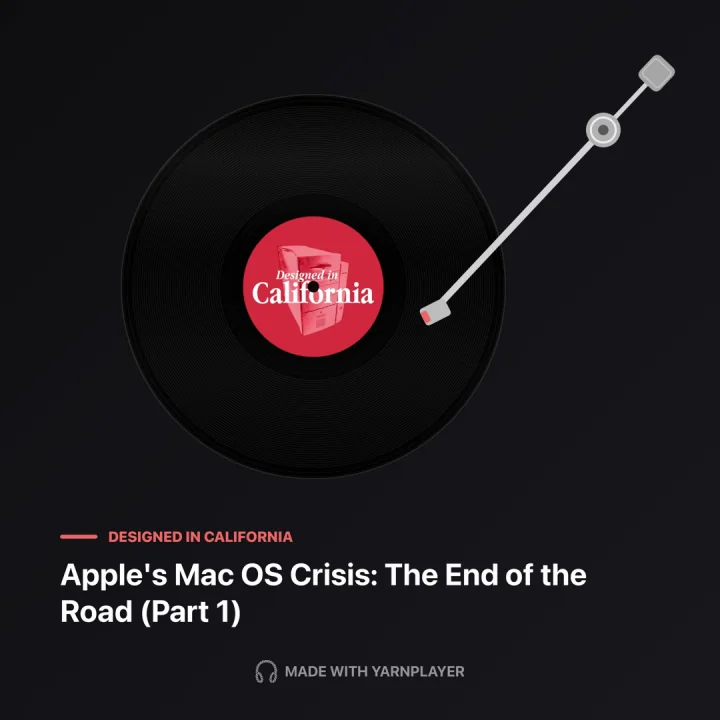
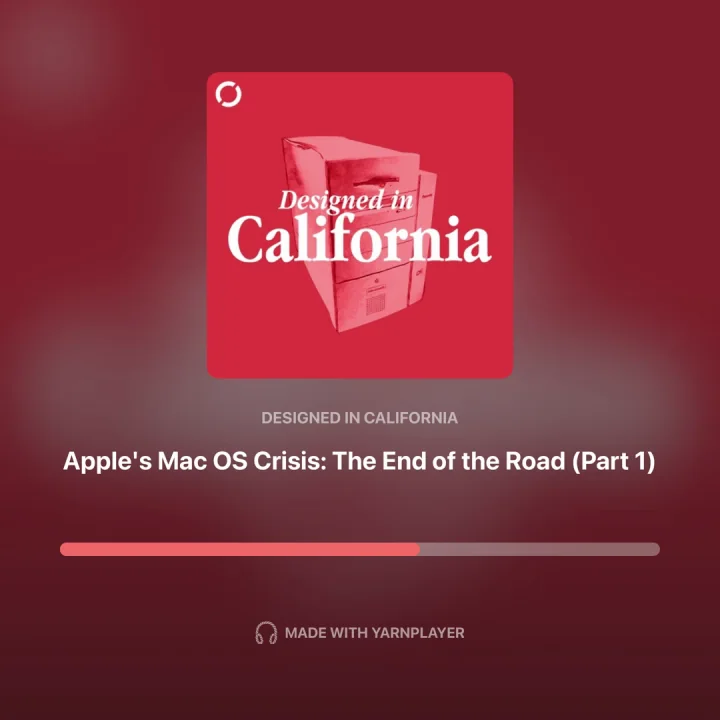
Heard something worth sending to someone? Yarnplayer turns what you're listening to into a short video or a card, without leaving the app or needing other software.
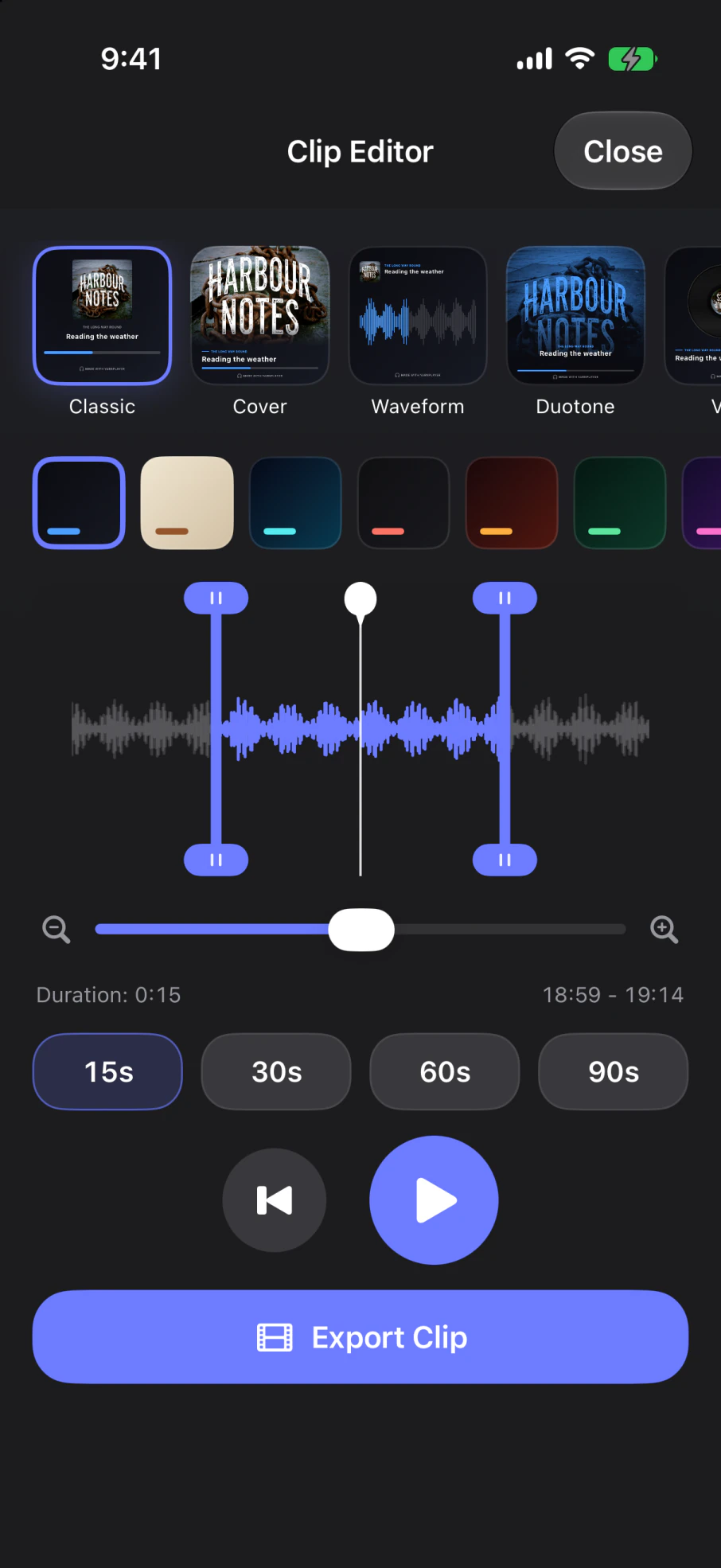
Drag the handles across the waveform to set where the clip starts and ends, pick from eight card designs and a range of colours, and send it.
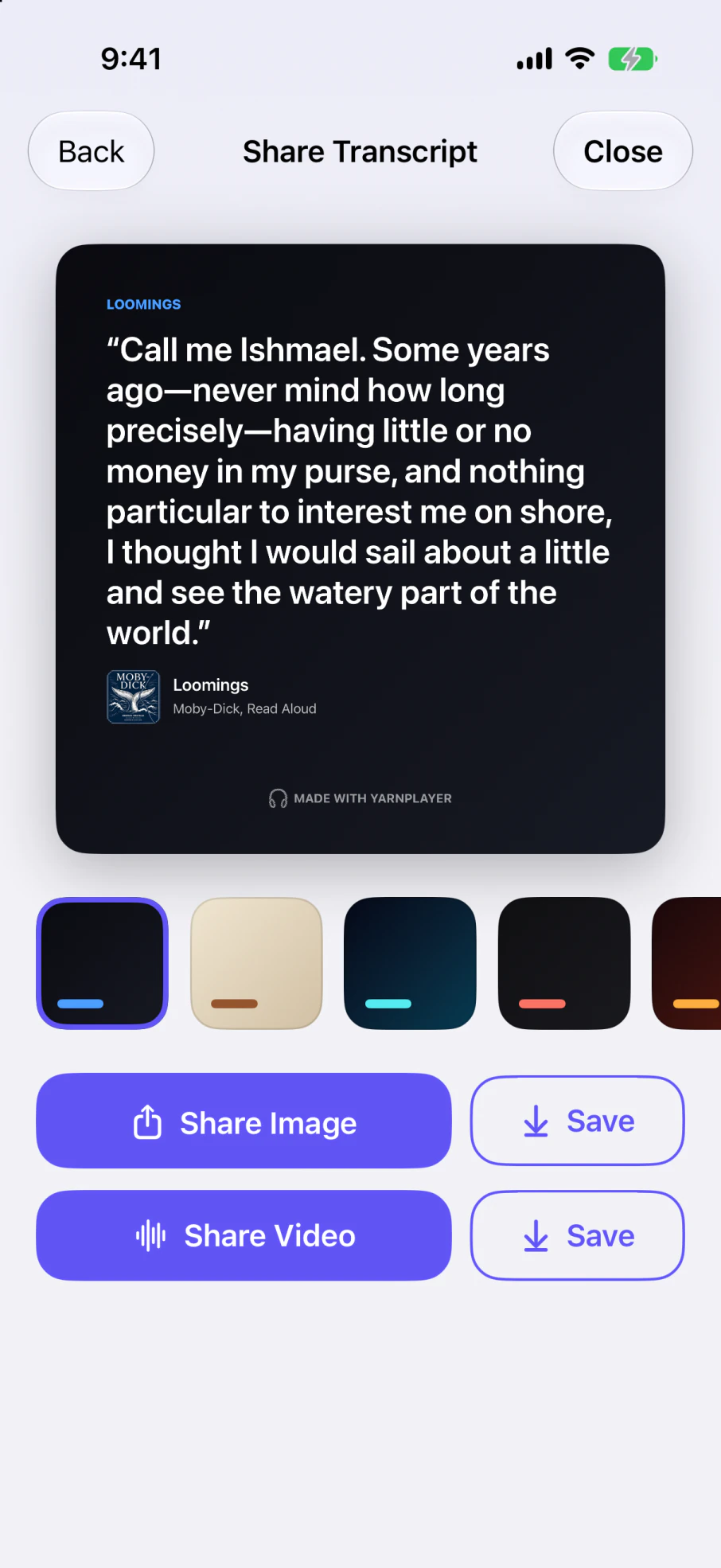
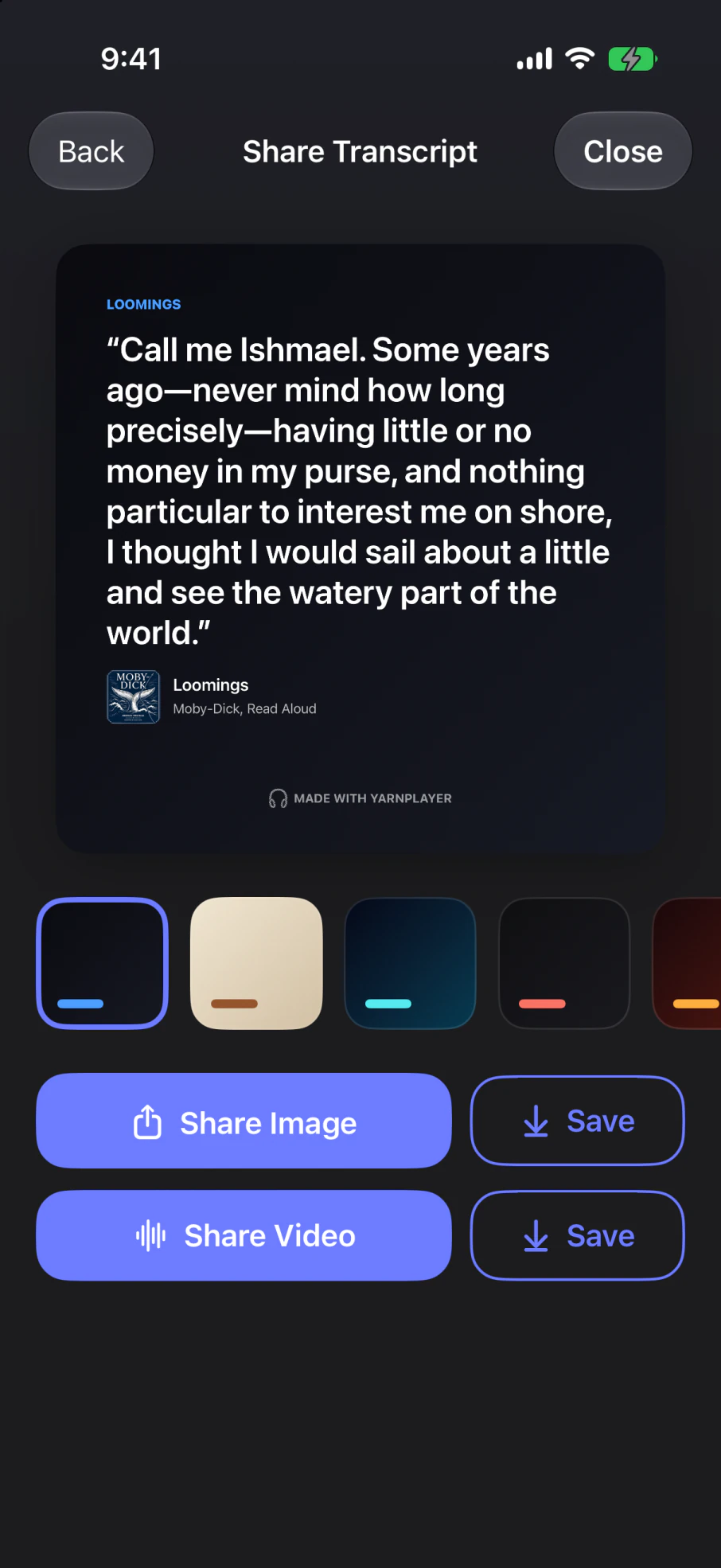
You can share the words on their own too. Yarnplayer turns a passage into a quote card with the audio attached.


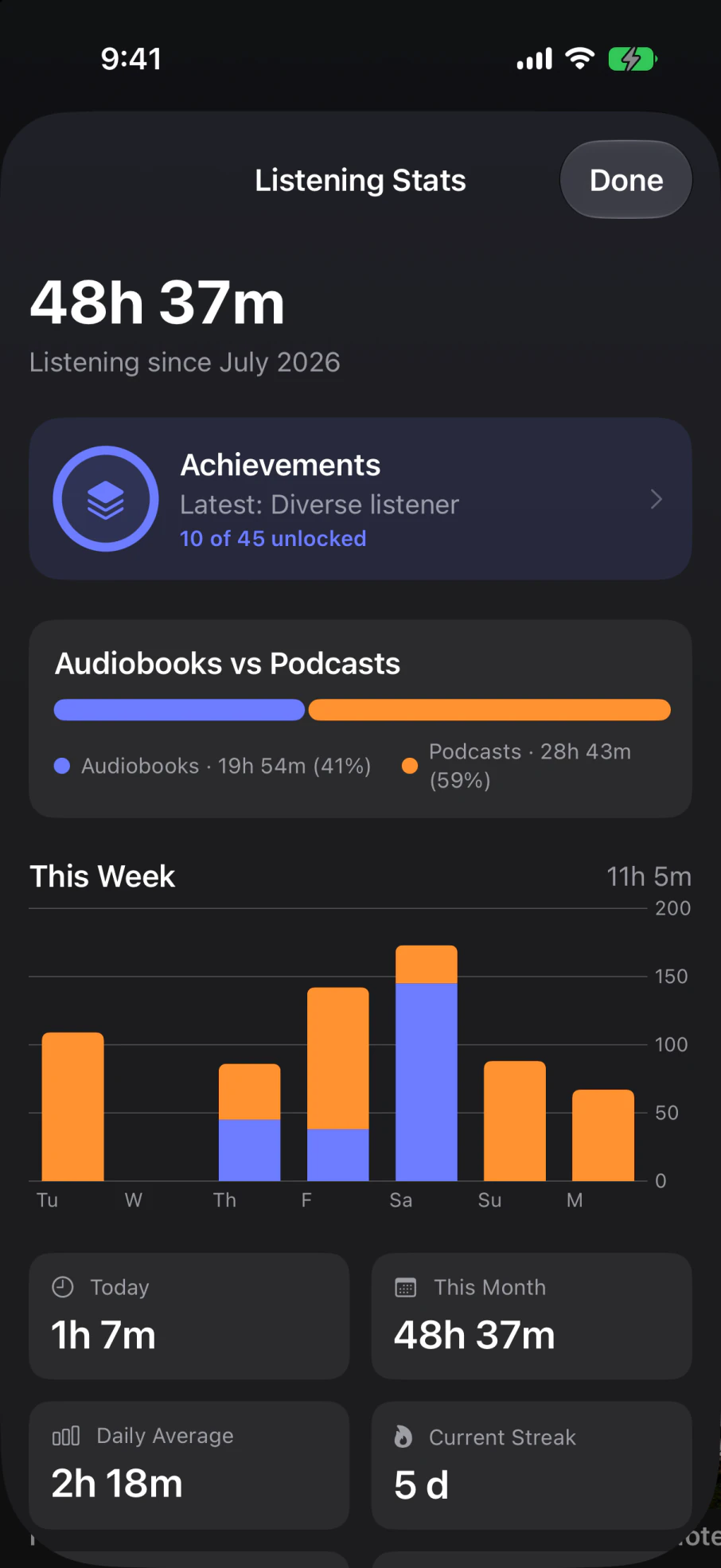
See your listening habits.
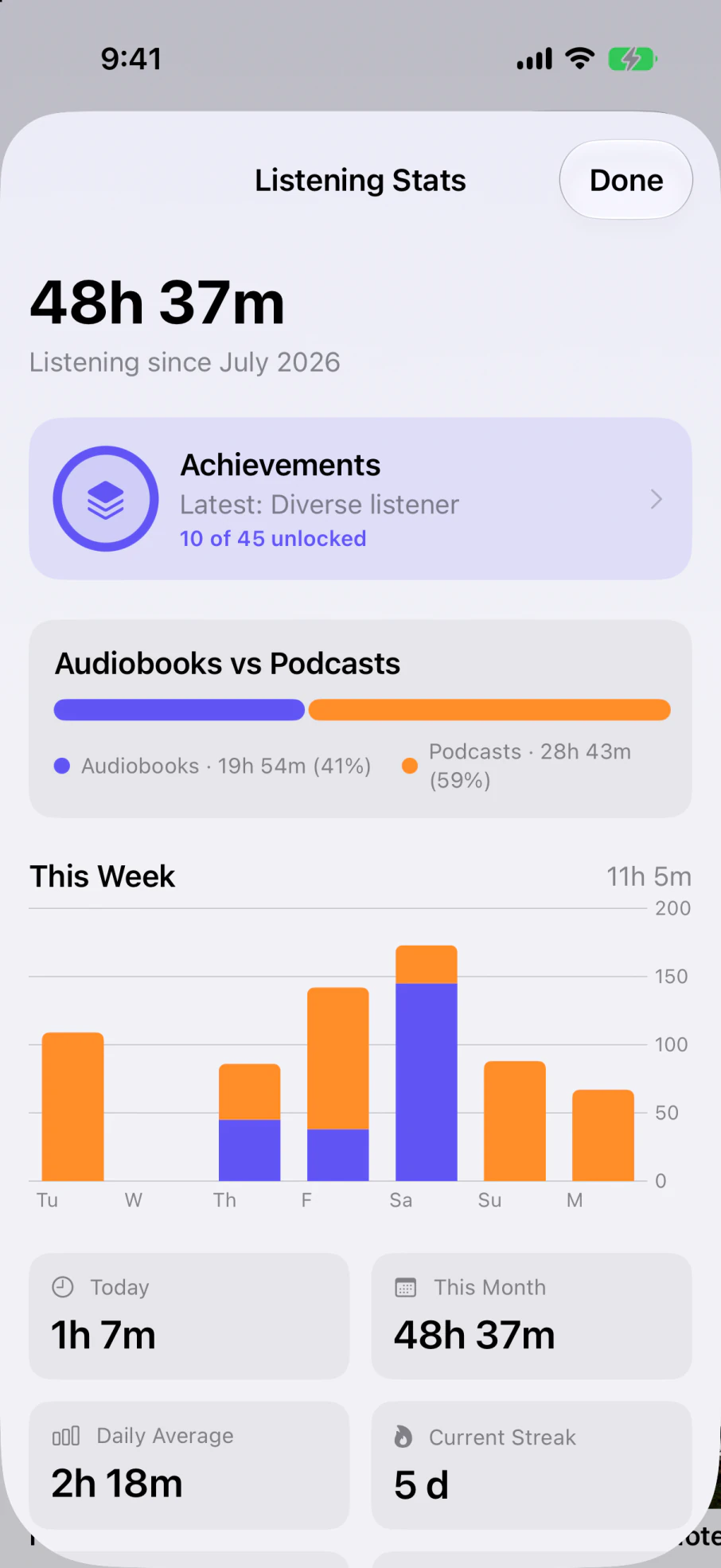
Yarnplayer keeps track of what you have listened to: hours, streaks, the times of day you actually listen, how the split falls between books and shows, and a set of achievements to collect.
Make it yours.
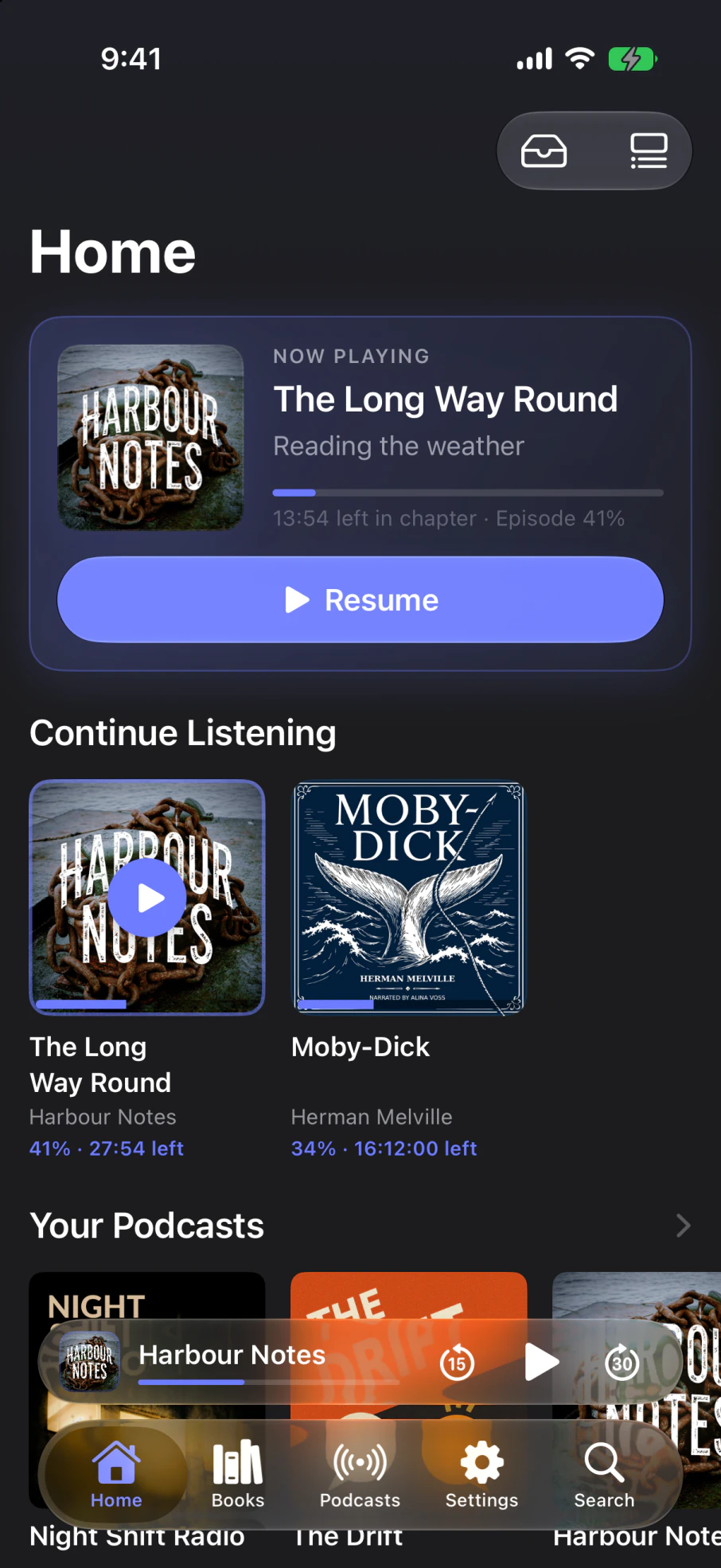
Choose your icon, colours and type. Rearrange the home screen, set playback speeds and skip amounts, and keep different settings for books and podcasts.
Your next episodes, predicted.
See the next fortnight of expected releases, based on each show's publishing rhythm. Dates are estimates; irregular schedules are marked as uncertain.
Delete the audio. Keep the words.
Keep transcripts searchable after removing downloads. Download the audio again to resume listening, or use Shrink Audio to save space without deleting it.
Sound
- Silence Trim. Shortens the pauses, so an hour of talk takes less than an hour without anyone sounding rushed. It leaves music alone.
- Clear Speech. Enhances the voices in the audio, so speech comes through clearer and is easier to follow.
- Volume Levelling. Evens out recordings that jump between loud and quiet.
- Mono. Combines both channels into one. Set it everywhere, or just for the shows that need it.
Playback
- Sleep timer by length, or end of chapter, episode or book. It fades out instead of cutting off
- Shake the phone to reset it if you're still awake
- Smart Resume. Rewinds a few seconds when you press play again, so you don't lose the thread
- Jump between chapters from a full chapter list, with each chapter's own artwork, and bookmark any moment with a note attached
- Smart Rules. Always skip chapters whose titles match words you choose
Podcasts
- Auto-download, auto-queue and auto-delete, set globally or per show
- Playlists you fill by hand, by rule, or both
- Shrink Audio re-encodes downloads to reclaim space without deleting them
- Learns each show's release pattern and tells you when the next one is roughly due
Sharing
- Turn any moment into a card or a short video
- Eight designs, each in a range of colours
- Vinyl and cassette designs turn and wind as the clip plays
- Or highlight a passage in the transcript and share that as a quote
Everywhere else
- iPhone and iPad, and on a Mac with Apple silicon as a Designed for iPad app
- CarPlay and Apple Watch
- Six home and lock screen widgets
- Syncs your position, bookmarks and progress between devices through iCloud
- Listening stats, streaks and achievements
Your files
- Audiobook files you already own, imported from iCloud
- Connect Plex, Audiobookshelf, or both
- Move podcast subscriptions in from another app, and export them again whenever you like
Privacy
- No account, advertising or listening-history tracking
- Transcription happens on your device
- Podcast audio is never uploaded
- Shared transcripts have identifying details removed and are encrypted so only listeners with exactly the same audio can read them
- Ad detection uses Apple's private processing; transcript text is not stored or used for training

Hi, I'm Emmett.
I'm an art and media teacher in Melbourne, Australia. I like building beautiful apps that I want to use myself, which is where Yarnplayer came from: I wanted one place for my books and my shows, and I wanted to be able to search what I had listened to.

I also make ScreenDiary, a film and TV tracker for iPhone, iPad and Mac. It helps you log what you've watched, find what to watch next and build a history with stats, achievements and a yearly recap you can share.
If something is broken, or there's something Yarnplayer should do and doesn't, please write to me.